
We are unable to process your payment. You cannot access your course/s until your payment is processed. To avoid further interruption, follow these steps to update your payment details.
Go to your Skolatis profile.
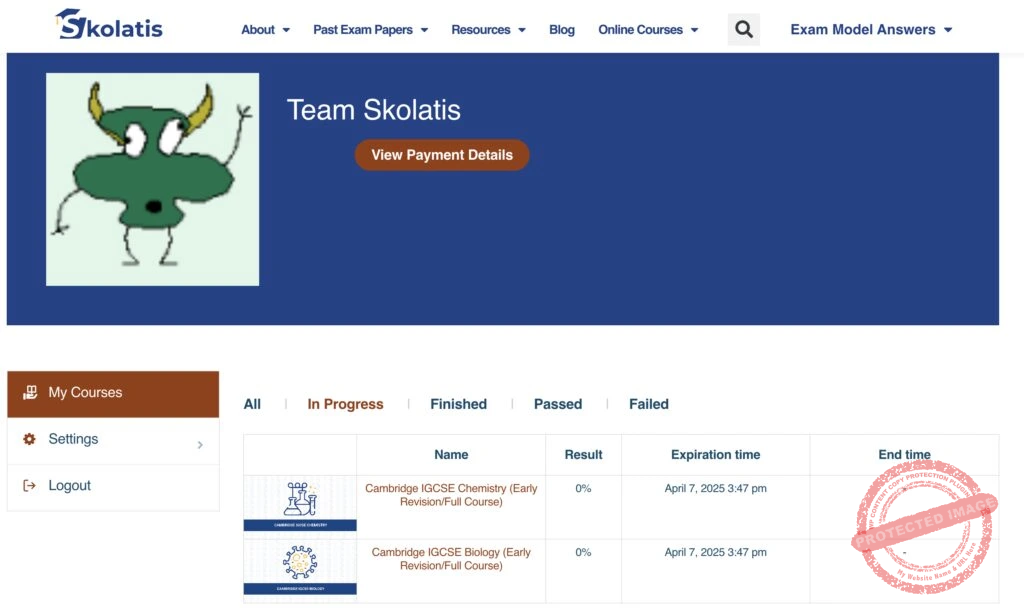
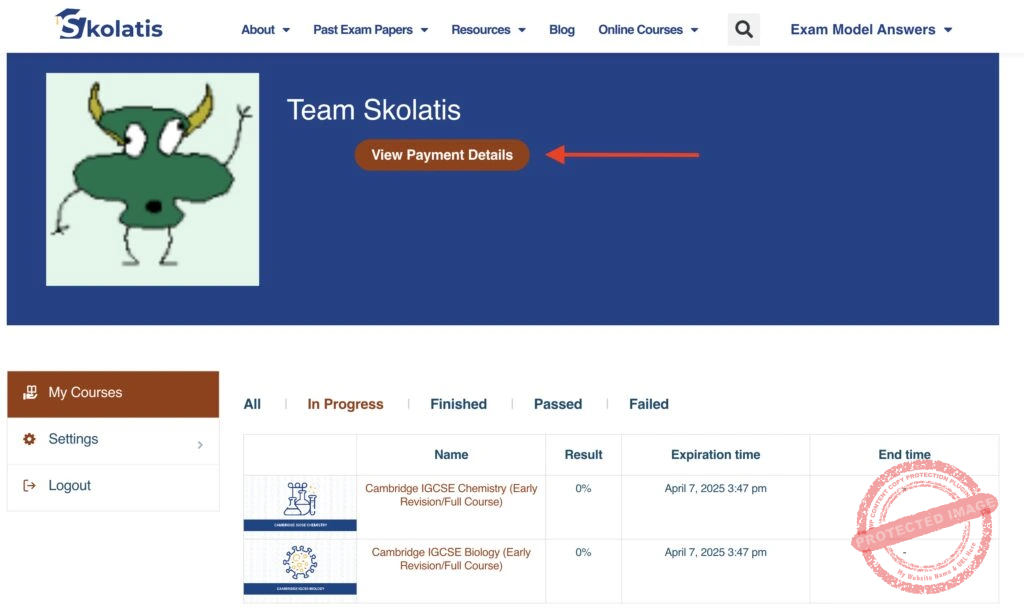
Click the View Payment Details button.
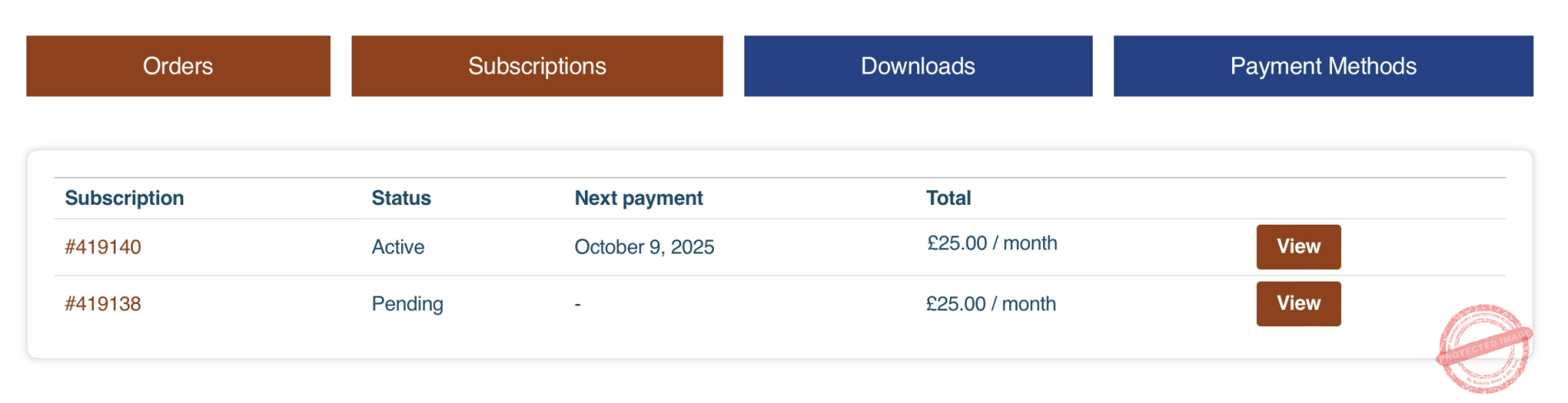
Go to the Subscriptions tab and click the Pay button of the subscription you want to manage.
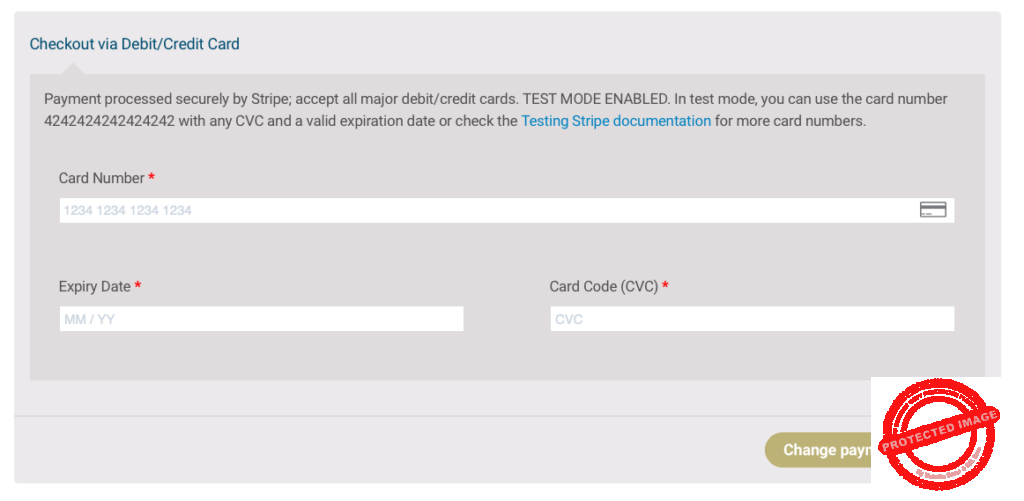
Enter the new payment details on the Checkout page.
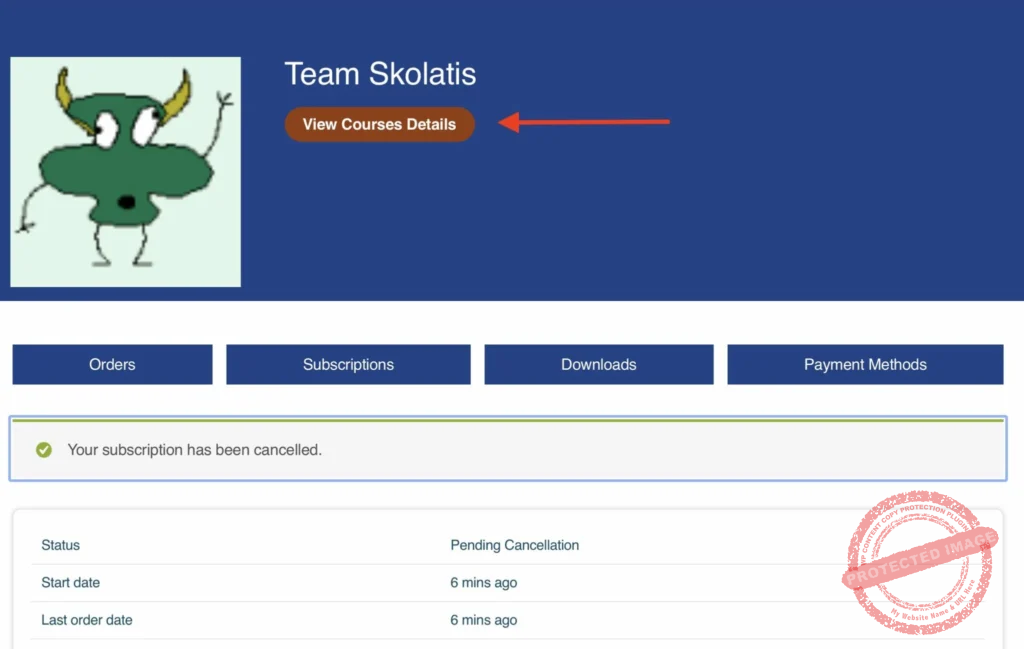
Click the View Courses Details button to go back to your courses.